Shaders
Live GLSL backgrounds that pause when nobody's looking, keep moving under the frost, and share one GPU context.
A shader background is still a background: a small JSON object you store with the card. It names a shader and its parameters, and carries a poster and a colour for the moments it can't draw. Card.Background paints the colour and the poster, as it would an image. <Shader />, placed inside it, draws the shader live over them and fades in on its first frame.
import { Card, shaderBackground } from "@danolekh/cardstock";
import { Shader } from "@danolekh/cardstock/shader";

const background = shaderBackground("silk", {
  color: "#532d90",
  poster: "/backgrounds/silk-still.webp",
  params: { colors: ["#120c2c", "#4b2aa8", "#b25cff", "#ff9bd2"], turbulence: 0.6 },
  tone: "dark",
});

<Card.Root background={background}>
  <Card.Body>
    <Card.Front className="relative overflow-hidden">
      <Card.Background className="absolute inset-0">
        <Shader />
      </Card.Background>
      <Card.Number value={pan} className="relative" />
    </Card.Front>
  </Card.Body>
</Card.Root>;
@danolekh/cardstock/shader is a separate entry, like ./frost. An app that never imports it ships no WebGL. Each preset's GLSL loads the first time a card shows it.
The presets
shader | Looks like | Parameters | Source |
|---|---|---|---|
singularity | A black hole whirling its accretion disk | zoom, hue | "Singularity" by Xor, MIT |
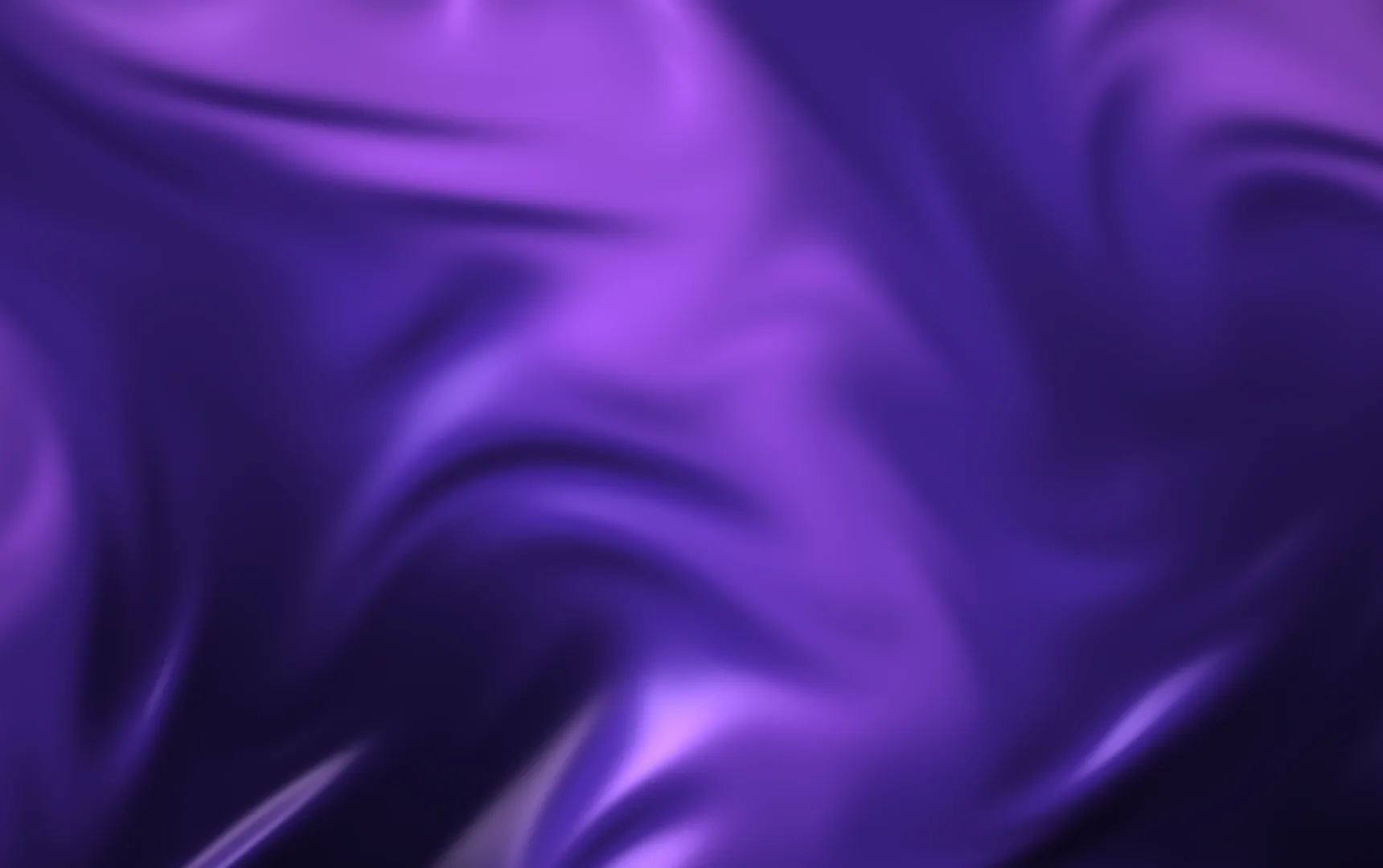
silk | Folds of fabric catching the light | colors (2–6), turbulence, scale | Original, on Xor's turbulence technique |
mesh | Soft colour spots drifting and blending | colors (2–8), distortion, swirl, grain | Ported from Paper Shaders, Apache-2.0 |
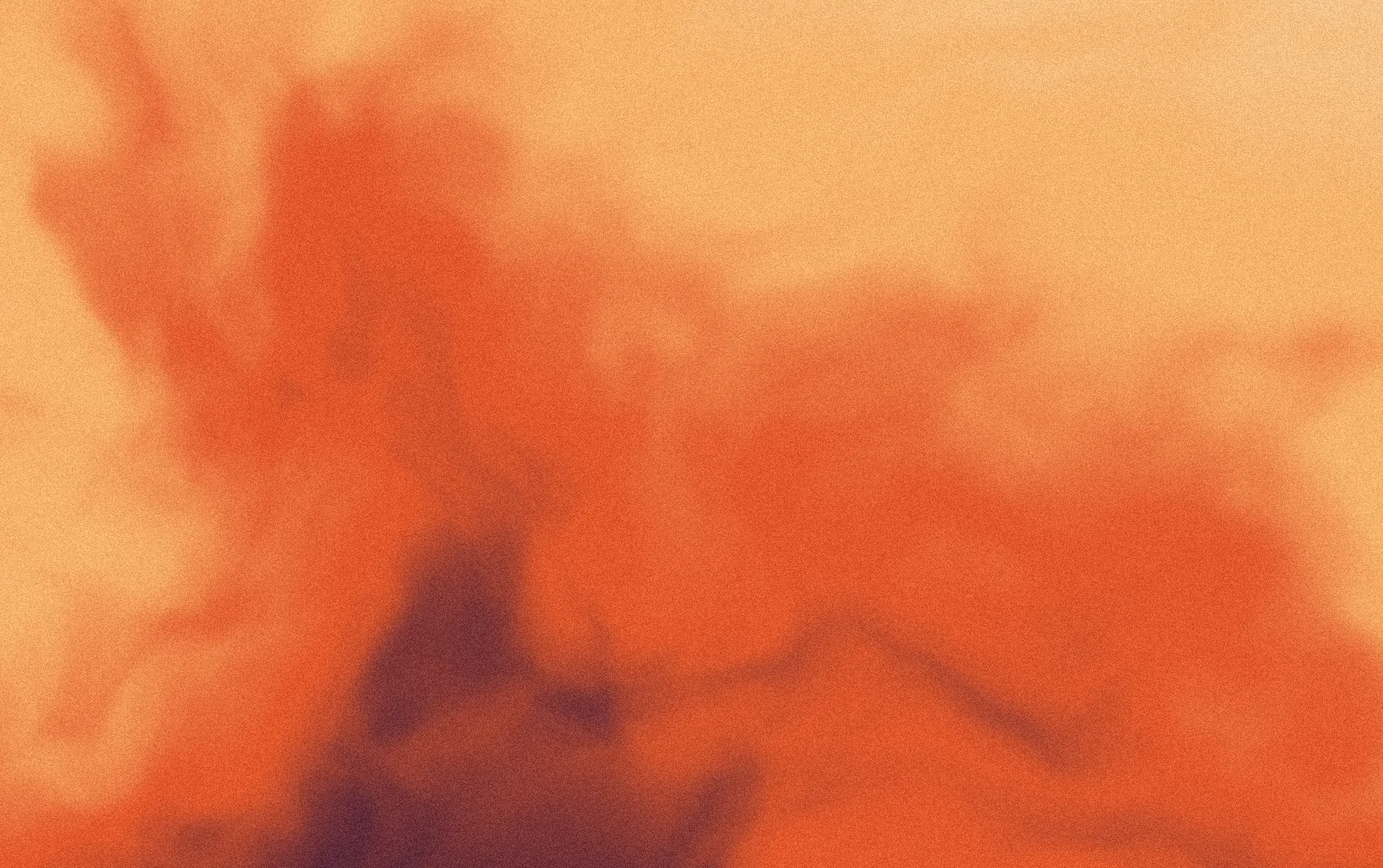
grain | A calm gradient under film grain | colors (2–5), softness, noise | Original |
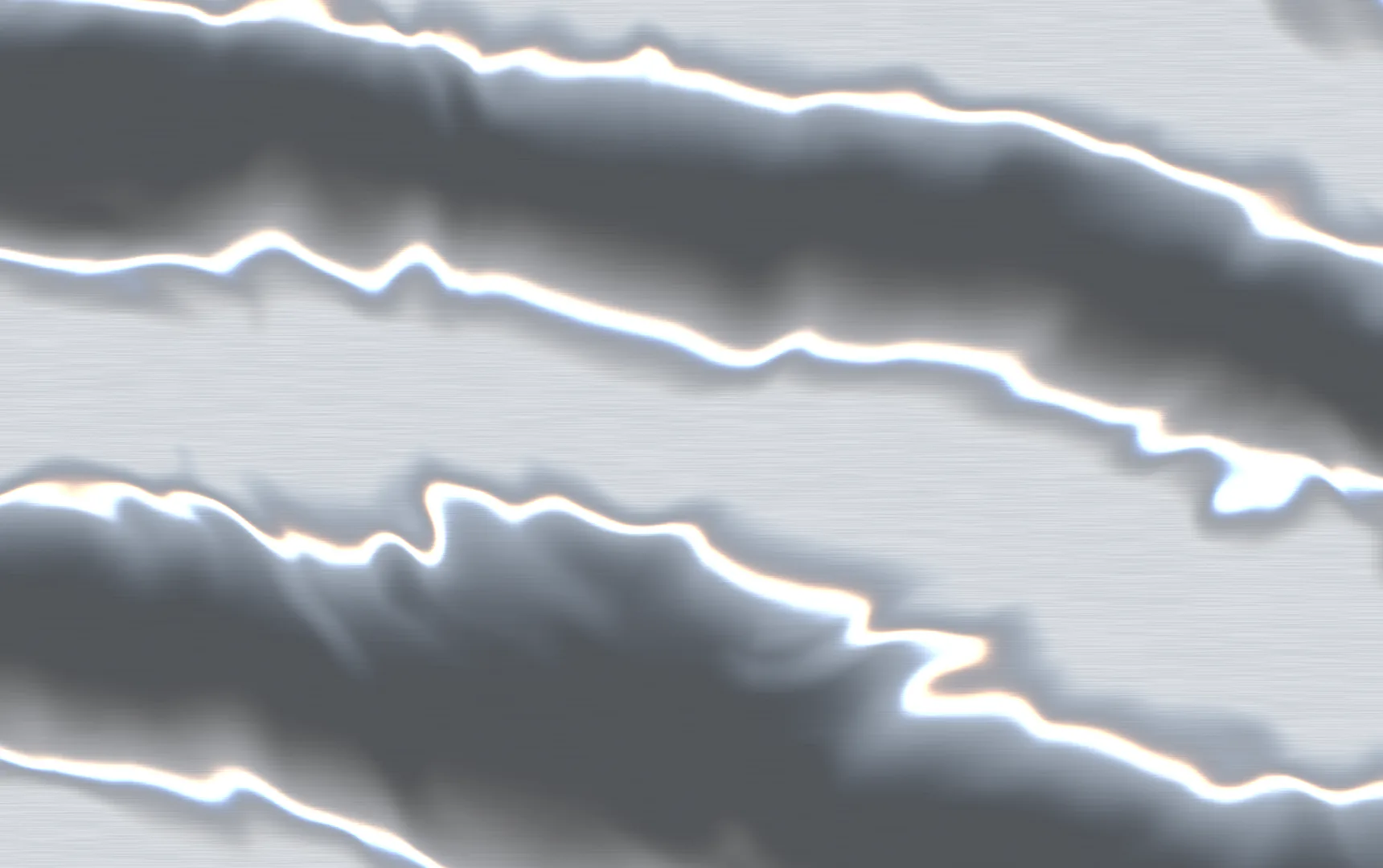
liquid-metal | Chrome whose reflections run, following the tilt | tint, bands, distortion | Original |
holo-foil | Iridescent foil and glitter that sweep with the tilt | base, intensity, bands | Original, with iq's cosine palette |
flow-dots | A quiet field of dots drifting on noise | ground, dot, spacing, drift | After Anthony Fu's ArtDots on antfu.me |
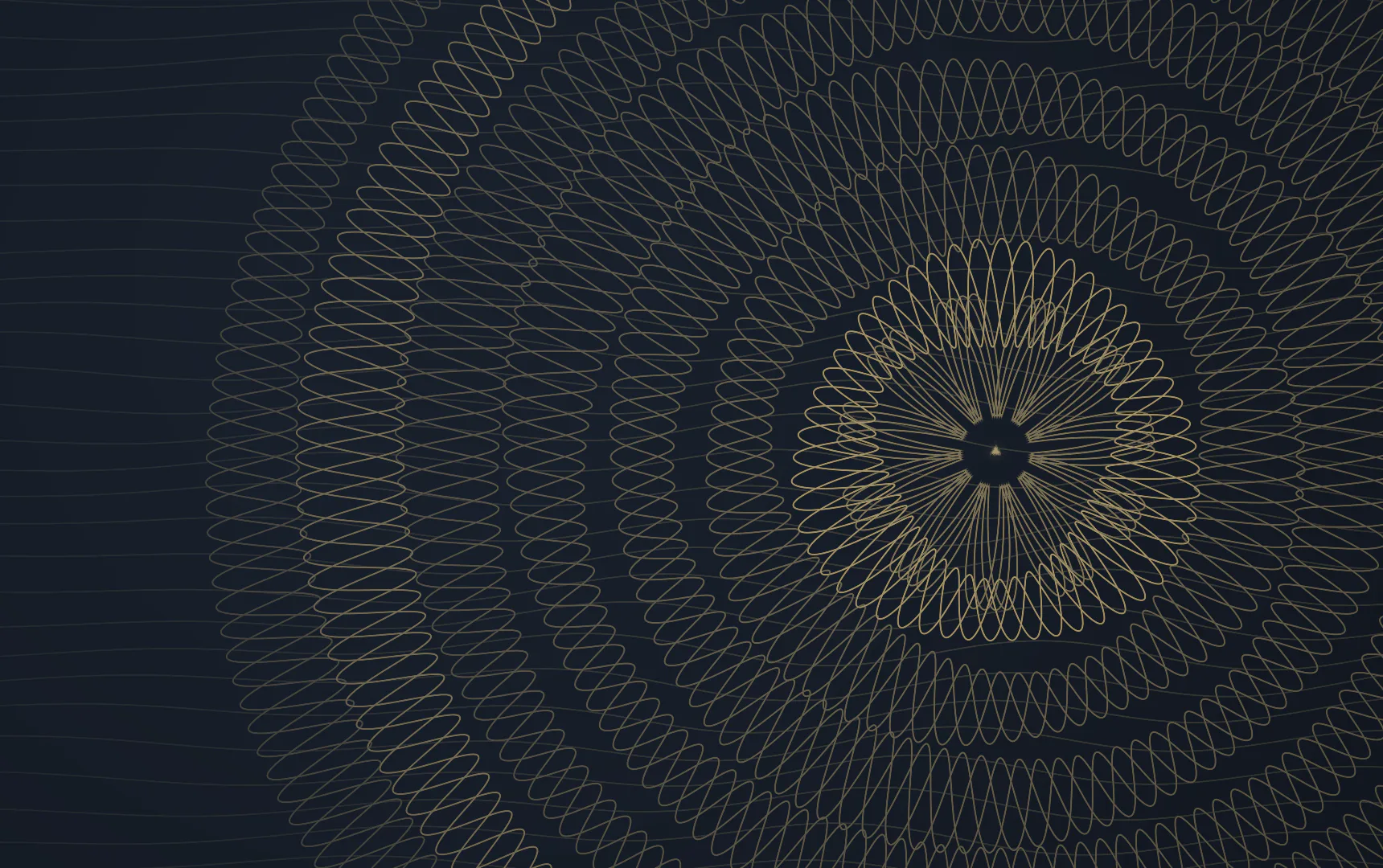
guilloche | Engraved bank-note rosettes, turning slowly | ground, ink, lines, petals | Original, the house guilloché artwork drawn live |
Download any of them with their posters, measured colour, tone and ink, the same way as the artwork:
npx @danolekh/cardstock-backgrounds add silk singularityshaderBackground(id, …) type-checks a built-in shader's parameters. It's plain data, so it runs on a server too. Colours are hex or rgb(). Numbers are clamped to each parameter's range when the shader draws, and names a shader doesn't have are ignored (with a warning in development).
The format
| Field | Meaning |
|---|---|
shader | A built-in id, or your own namespaced id ("acme/tide") |
params | Up to 16 values by name: numbers, colours, or lists of up to 8 of either |
speed | How fast time runs, 0..4 (default 1) |
color | Shown before the first frame and wherever the shader can't draw, and drawn under the frost |
poster, posterSrcSet | A still of the shader, over color until the first frame. position and credit work as they do for an image |
The GLSL never travels in the data. A background read from your database, or from a manifest on the network, can only choose among the shaders your app ships. parseCardBackground checks everything above.
<Shader />
It renders a <canvas> over the poster: aria-hidden, pointer-events: none, data-ready once it has drawn, data-playing while its time runs, and data-failed when it can't draw. It reads the background from the Card.Background around it, so a back face with its own value gets its own shader.
| Prop | Default | |
|---|---|---|
play | "auto" | "auto", "always" (whenever it's on screen) or "paused" (hold the frame) |
definition | Draw this shader instead of looking up the background's id | |
value | Draw this background instead of the Card.Background's, e.g. outside a card | |
maxDpr | 2 | The most device pixels per CSS pixel. 1 suits small swatches |
maxPixels | 1_000_000 | The most pixels per frame; beyond it the canvas draws smaller and scales up |
With play="auto", time runs only when all of these are true:
- The card is on screen.
- The tab is visible.
- The card is the current carousel slide.
- Its face is showing, or the card is turning.
Otherwise the shader holds its last frame and costs nothing. With reduced motion it shows its still frame, the same one as the poster, and never moves.
One context for every card
Browsers keep only about sixteen WebGL contexts alive per page, so a context per card fails as soon as a carousel fills up. Every <Shader /> on the page shares one WebGL2 context and one animation frame. Each card's frame is drawn into the corner of one shared canvas and copied into the card's own canvas. The shared canvas grows to fit the largest card and never resizes from one card to the next, because resizing it makes the GPU reallocate its buffer. A card next to a row of small swatches would otherwise stall the page.
The loop draws a card only when something it shows has changed: its clock, the pointer, the flip, the freeze, or its size. The loop stops altogether when nothing needs a frame. If frames keep arriving late, it draws fewer pixels and earns them back after a few seconds of smooth frames. If the GPU drops the context, the loop rebuilds it once. If the context drops again within ten seconds, every card settles on its poster.
Freeze, tilt and flip
Every shader gets these uniforms: uTime, uResolution, uPointer (0..1 across the card), uTilt (−1..1), uFlip, uFreeze and uSeed (0..1, different per card).
- Freeze. The frost is a layer, like ice over a screen: the shader keeps running under it. On a face with a
<Shader />,<Frost />holds no WebGL context of its own. It's drawn as a second pass in the shared one, refracting the background's live frame with a snapshot of the card's text over it.uFreezeis there if your own shader wants to react to the cold. - Tilt. Inside
Card.Tilt,uPointerfollows the pointer, eased the way the tilt surface is.holo-foilandliquid-metaluse it to move their light. - Flip.
uFlipis the card's flip progress.
Your own shaders
Write GLSL, or paste it in from Shadertoy or twigl:
import { defineShader, ShaderLibrary } from "@danolekh/cardstock/shader";

const tide = defineShader({
  id: "acme/tide",
  label: "Tide",
  dialect: "shadertoy",
  source: `
    void mainImage(out vec4 fragColor, in vec2 fragCoord) {
      vec2 uv = fragCoord / iResolution.xy;
      fragColor = vec4(uTint * (0.6 + 0.4 * sin(uv.x * 6.0 + iTime)), 1.0);
    }`,
  params: { tint: { type: "color", default: "#2d9294" } },
  still: 1.5,
  credit: "Acme",
  license: "MIT",
});

// Anywhere above the cards, so `{ type: "shader", shader: "acme/tide", … }` finds it.
<ShaderLibrary shaders={[tide]}>{app}</ShaderLibrary>;
dialect: "glsl"(the default): the body of a GLSL ES 3.00 fragment shader, with its ownvoid main()writingfragColor.dialect: "shadertoy": amainImage, withiTime,iResolution,iMouseandiFrame. Only single-pass code works:iChannelinputs and buffers are refused with an error that says so.dialect: "twigl": the body of main in twigl's geeker (300 es) mode, withFC,r,t,m,fando, plus itshsv,rotate2D,rotate3Dandsnoise2D/snoise3Dhelpers. Xor's tweet shaders paste in as written.
Each parameter becomes a uniform named u plus its name capitalised: a float is a float, a color is a vec3 (sRGB 0..1), and colors is a vec3[max] plus int u<Name>Count. The other fields:
still: the moment, in seconds, of the frame shown as the poster and under reduced motion.scale: renders at a fraction of the card's pixels, for heavy raymarching.fps: caps the frame rate.
A shader that fails to compile logs its GLSL error and leaves the card on its poster.
Licences matter here. Shaders published on Shadertoy default to CC BY-NC-SA, which rules out commercial use. Many of Xor's shaders are sold under commercial licences through his Shader Arsenal. Ship only what you have the rights to, and put the author in credit.
Posters for your shaders
A poster is a picture of the shader's still frame, so the first paint matches the first frame. The docs render theirs with the library's own renderer in headless Chrome, then hand each frame to cardstock-backgrounds' buildBackground. That step crops the frame, encodes it at 1720 and 860 wide, and measures its color, tone and ink. Copy scripts/shaders.ts to do the same for your own shaders, or take a screenshot of the card and run cardstock-backgrounds build on it.
Credits
- "Singularity" is by Xor, MIT.
silkis built on the turbulence technique from his GM Shaders tutorials. meshis ported from Paper Shaders, Apache-2.0: seeNOTICEin the package.flow-dotsfollows Anthony Fu's ArtDots from antfu.me, MIT.holo-foiluses Inigo Quilez's cosine palettes. twigl's simplex noise is Ian McEwan and Stefan Gustavson's (Ashima Arts), MIT.